Robotic Laser Welding Machine
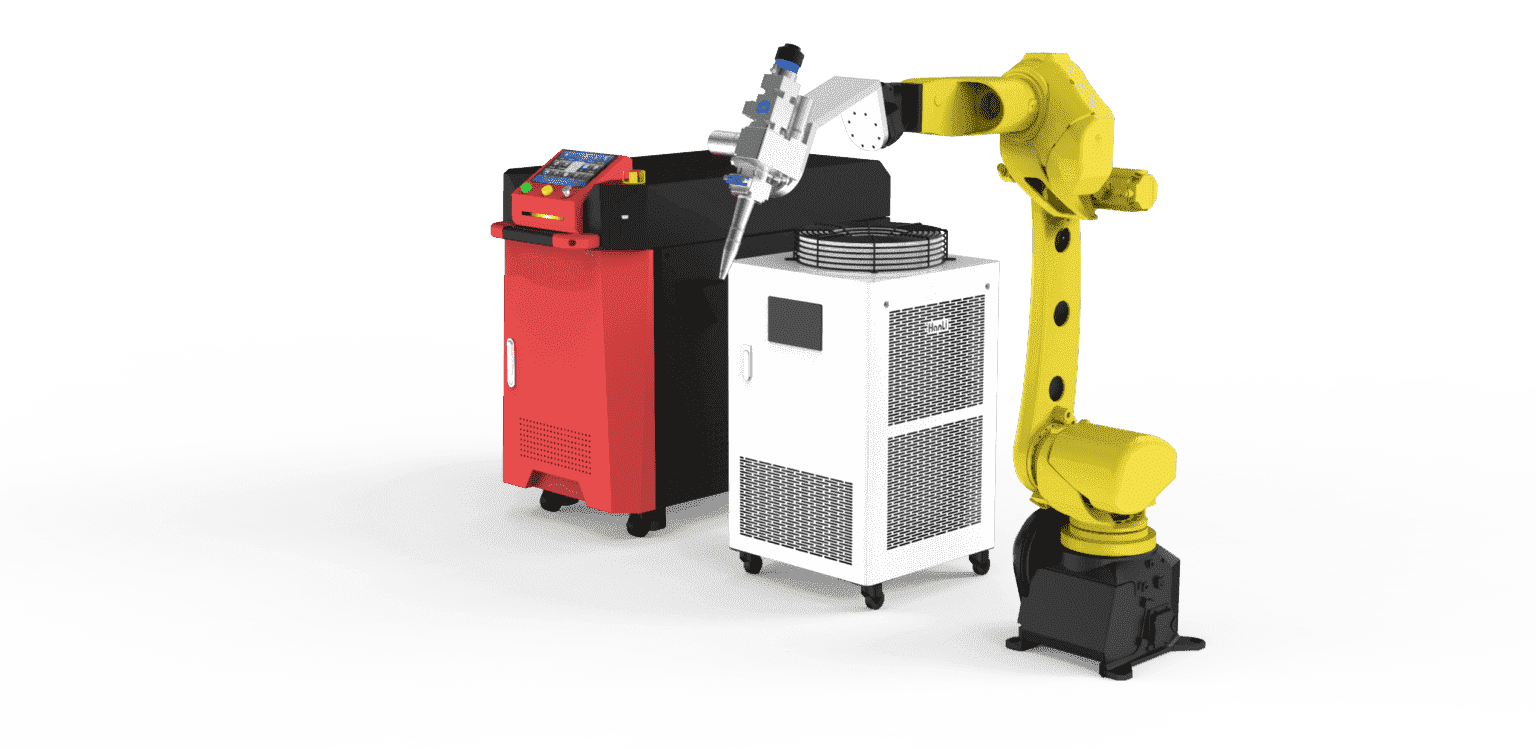
PCL configures the robot, welding head and fixture around your parts. Start with the material, thickness and weld locations. Those details determine how the robot reaches each seam, how the part is held and which laser source to quote.
- Primary process
- Robotic laser welding
- Laser power options
- 1.5, 2, 3 or 6 kW
- Laser source options
- MAX or Raycus
- Optional process
- MAG welding
See the robot weld
Robot and laser configuration
| Cell component | Options and selection |
|---|---|
| Robot | KUKA, Panasonic, Yaskawa or FANUC. Confirm reach, payload and weld access for the proposed model. |
| Laser source | MAX or Raycus, with 1.5, 2, 3 or 6 kW options depending on the configuration. |
| Workholding and motion | Review the fixture and loading method. A positioner can turn the part for access, and an external rail can extend the robot’s working range where needed. |
| Welding process | Laser welding is the primary configuration. MAG can be quoted as a process option after reviewing the joints and material. |
Plan the cell around your workpiece
Mark the seams on the drawing and show how the part sits in its fixture. During layout review, check whether the head can reach the inside corners, clear the clamps and follow the full weld path. For parts that need turning, identify which seams a positioner would bring into reach.
Agree on how operators will load and unload the part. Include those steps when estimating the cycle time for a complete part.
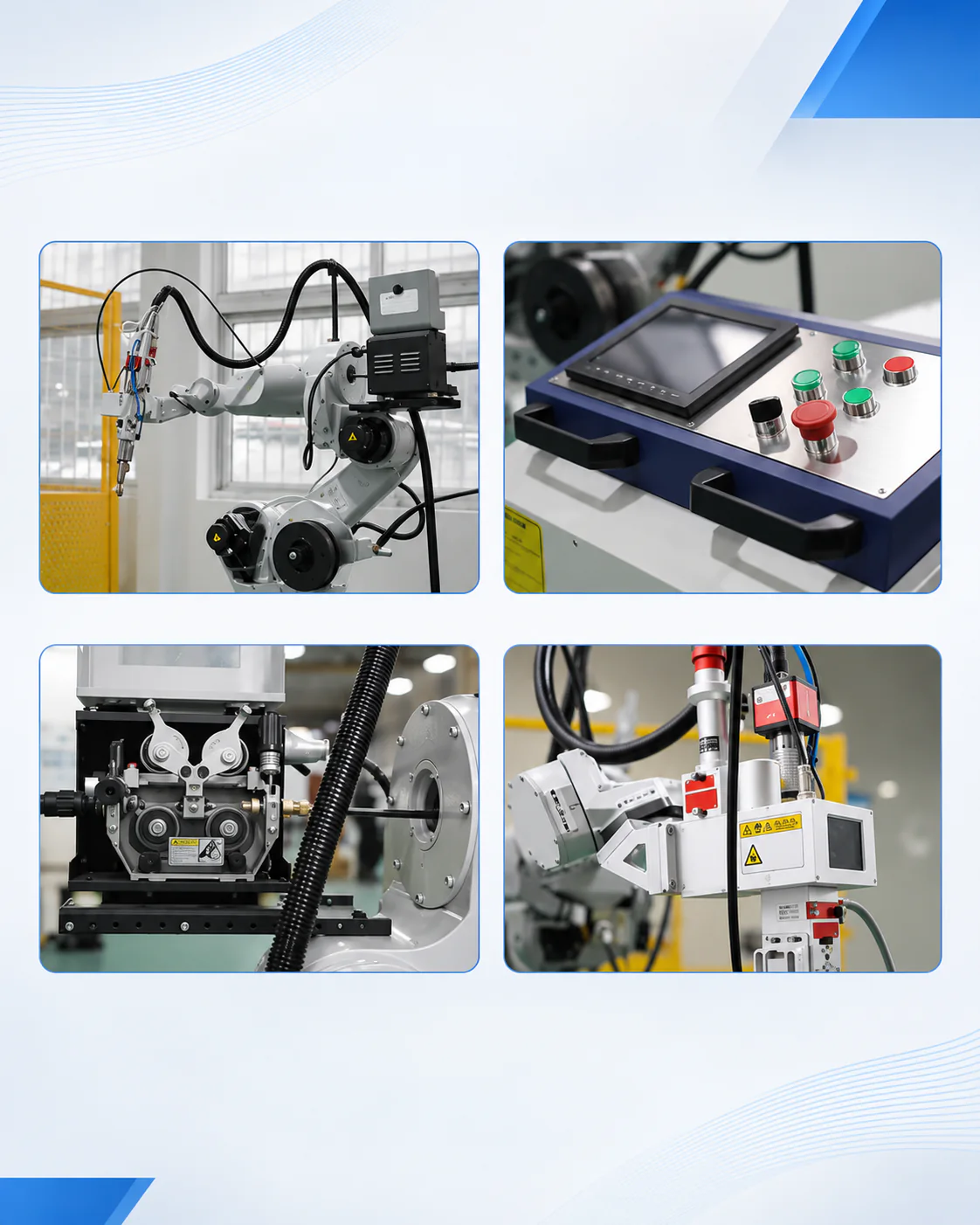
Robotic welding sample parts
These samples show different part shapes and joint geometries. For a trial, choose a part with the material, fit-up and seam access you expect in production. Agree on the acceptance criteria before welding the sample.
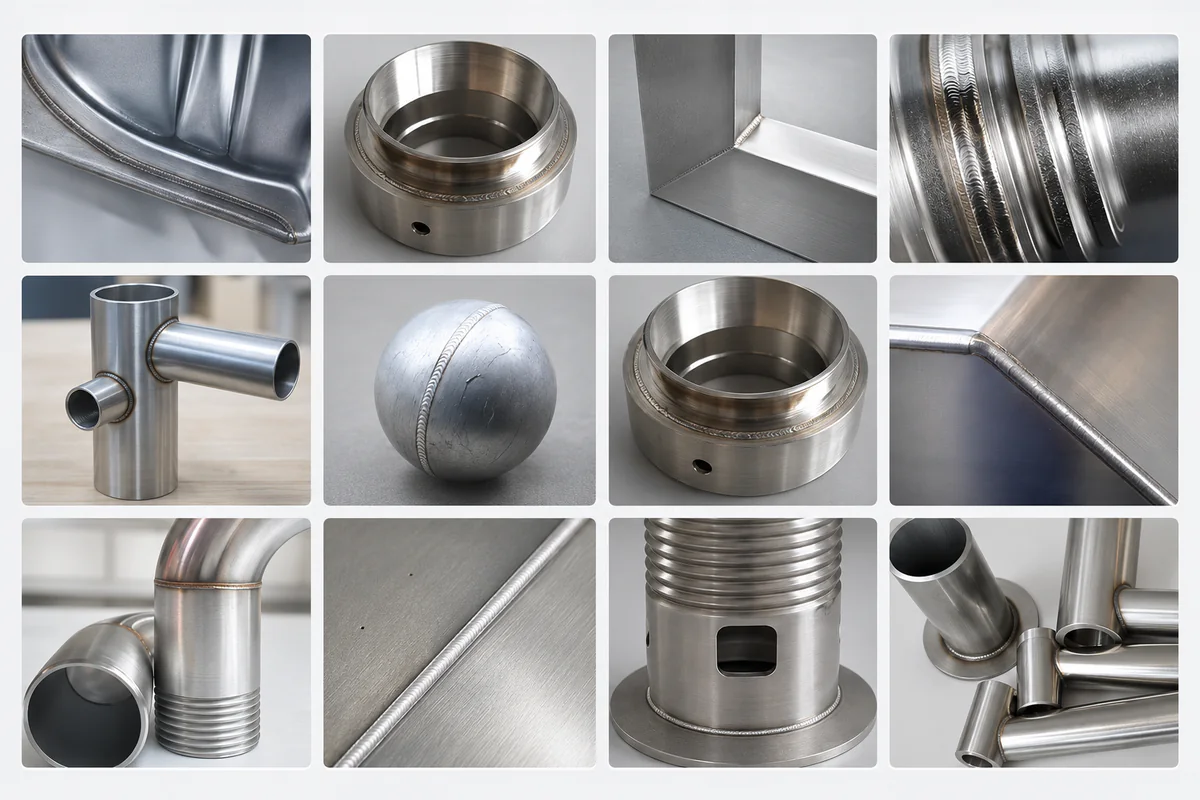
Optional MAG welding
MAG can be specified as an optional process configuration. Share the steel grade, thickness and joint preparation so PCL can review the process and quote the corresponding welding equipment.
Frequently asked questions
What is included in a robotic laser welding cell?
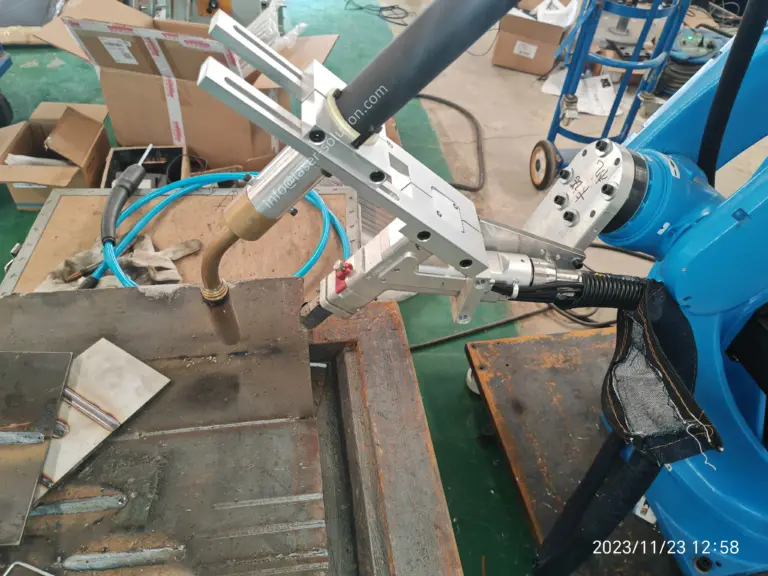
The cell combines a robot, laser source, welding head, controls and workholding. The quotation should identify the equipment and options included for your parts.
Which robot brands can I choose?
Options include KUKA, Panasonic, Yaskawa and FANUC. The appropriate robot depends on reach, payload and the cell layout.
Which laser powers are available?
MAX and Raycus sources are available in 1.5, 2, 3 and 6 kW options, subject to the selected configuration.
Can I specify MAG welding?
Yes. MAG is an optional process configuration. Send the material, thickness and joint details so the equipment can be reviewed.
Can the cell include a positioner or rail?
Yes, where the part size, weld access or working range calls for one. The layout should be checked against your part and fixture.
What should I send for a quotation?
Send drawings or photos, part dimensions and weight, material and thickness, weld locations and expected output. Include any robot brand, process or handling requirements you have already specified.
Get a quote for your welding cell
Describe one representative part and the welds you need to make. Include your target output and how the part is currently held or turned. An engineer can then review the process, robot reach and equipment for your layout.
Send a Drawing on WhatsApp